


Überall dabei
RideTree als App
Füge RideTree zu deinem Homescreen hinzu und erhalte Benachrichtigungen zu neuen Touren, Terminen, Gruppenaktivitäten und Nachrichten – wie eine App, nur ohne Download aus dem Store.
RideTree:
New – Notifications
Never miss an important update. Receive notifications about new tours, meetups, group activities and more directly on your smartphone.
Important updatesInstantly informed
ActivitiesNever miss a thing
Event updatesReady from the start
GroupsEvery change
Tours & spotsNews first
MessagesImportant info directly
How it works:
An app experience on your home screen
Add RideTree to your home screen to receive notifications and use it like an app.
iOS (iPhone)
Safari
- 1Open RideTree in Safari.
- 2Tap the Share icon in the bottom bar.
- 3Choose “Add to Home Screen”.
- 4Tap “Add”.
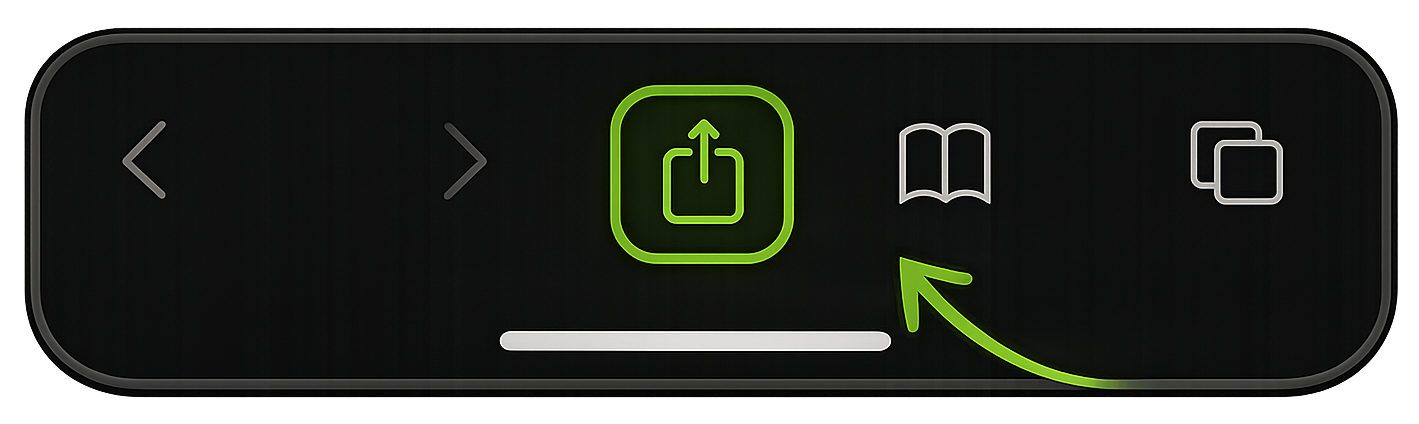
Important: Allow notifications when prompted.
Android
Chrome
- 1Open RideTree in Chrome.
- 2Tap the menu in the top-right corner.
- 3Choose “Add to Home screen”.
- 4Tap “Add”.
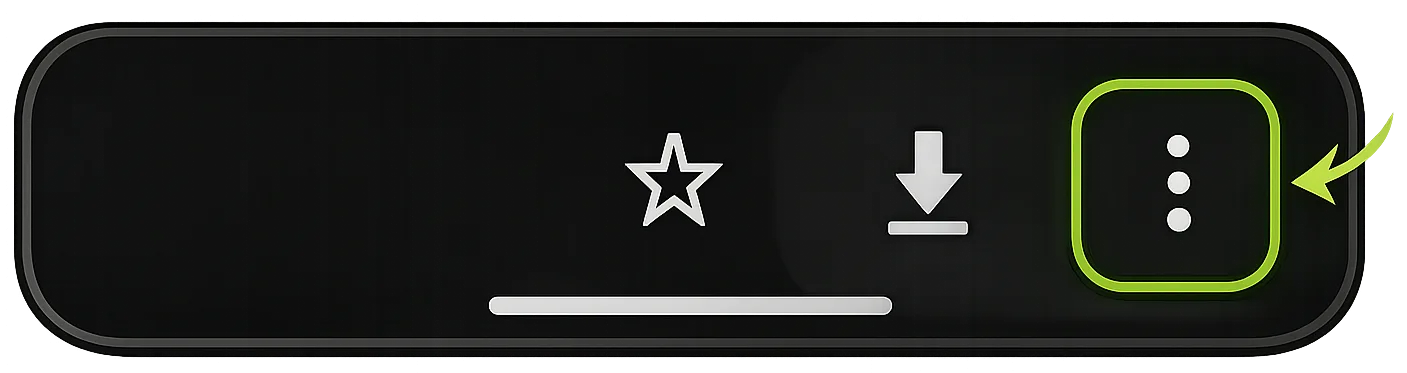
Important: Allow notifications when prompted.