


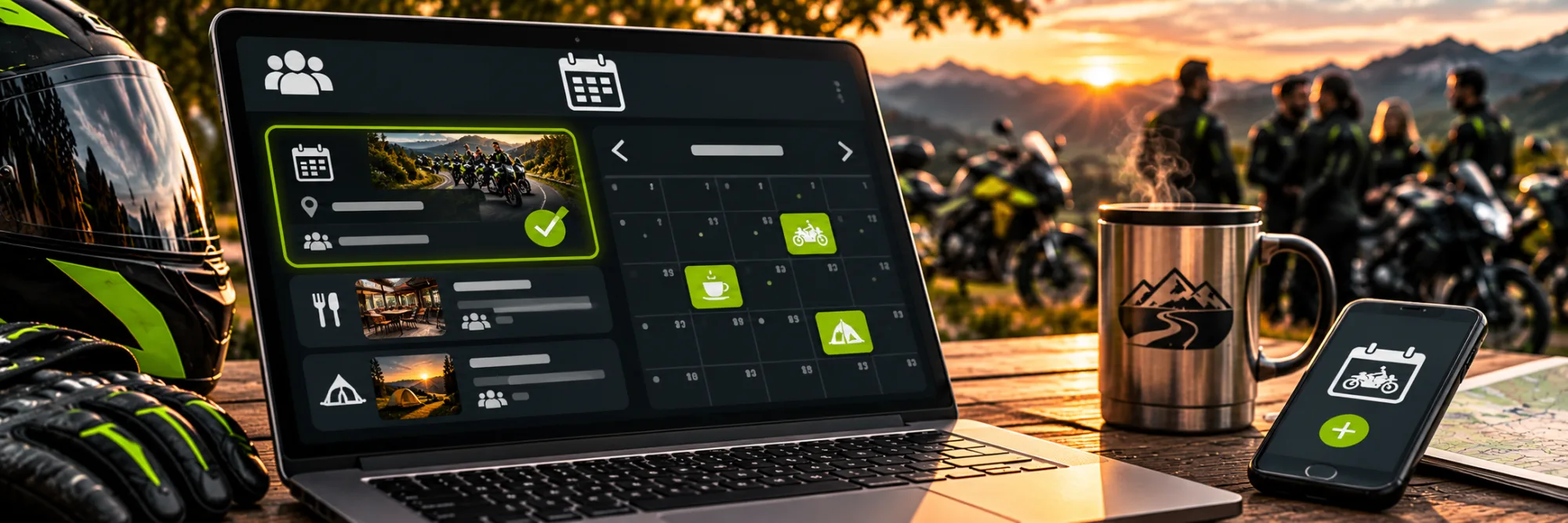
 AI-generated illustrative image
Creating group events – organising rides and meetups together
Plan an event for the members of your RideTree group.
A group event brings together the time, the meeting point and registration for a ride or a meetup. The group audience option only appears if you have the necessary rights and the feature has been enabled for you.
Creating an event with the key details
Open “Create event”. Enter the title, category, description, start and end. Under “Start”, choose a meeting point that is easy to find. For a ride, you can add a destination and a GPX route.
Choosing the group audience
In the “Visibility” section, choose “For groups” and select the groups you want. This option is only available to admins or moderators of eligible groups where the feature has been enabled. The event then appears in the selected groups.
Setting participation and schedule
If needed, enable the participant list, set a maximum number and a registration deadline, and choose between open registration and approval. Check the ride rules and communication. Then tap “Publish event”.
A GPX route is optional for an event; a clear meeting point and an easy-to-understand description are what matter.
Frequently asked questions
Can every group member create a group event?
No. The option depends on the group role and on whether the feature has been enabled.
Do I need a participant list?
Only if members should register directly through the event.