


Groups
Everything about RideTree groups: find and join groups, create your own and get organised with other riders.
16 articles to discover
Founding a new RideTree group – from the idea to publication
A RideTree group is best built not on maximum size but on an understandable idea and reliable communication. This article shows how to prepare the purpose, rules and first activities sensibly.
Inactive members and old content – how to keep your group organised
This guide explains: checking the member list; managing memberships deliberately; updating old information.

Avoiding conflicts in motorcycle groups – clear communication for group admins
Conflicts in motorcycle groups rarely arise from a single message. Usually, unclear expectations, different riding styles and missing agreements collide. This article shows a practical approach for group admins.
Preparing a group ride – checklist for RideTree group admins
This guide explains: setting the route and framework; creating a group event; agreeing on safety and communication.
Using the group banner and group image well – first impressions count
This guide explains: choosing a group image as your avatar; designing a wide banner; uploading and checking.
Writing a group description – so people know right away what it's about
This guide explains: naming the purpose and region; making expectations clear; checking the text on the group profile.
Managing group joins – checking requests and admitting members
This guide explains: setting the joining mode; checking requests; helping new members settle in.
Welcoming new members – how to make joining your group easy
This guide explains: a short welcome and some orientation; showing the next event; making room for questions and feedback.
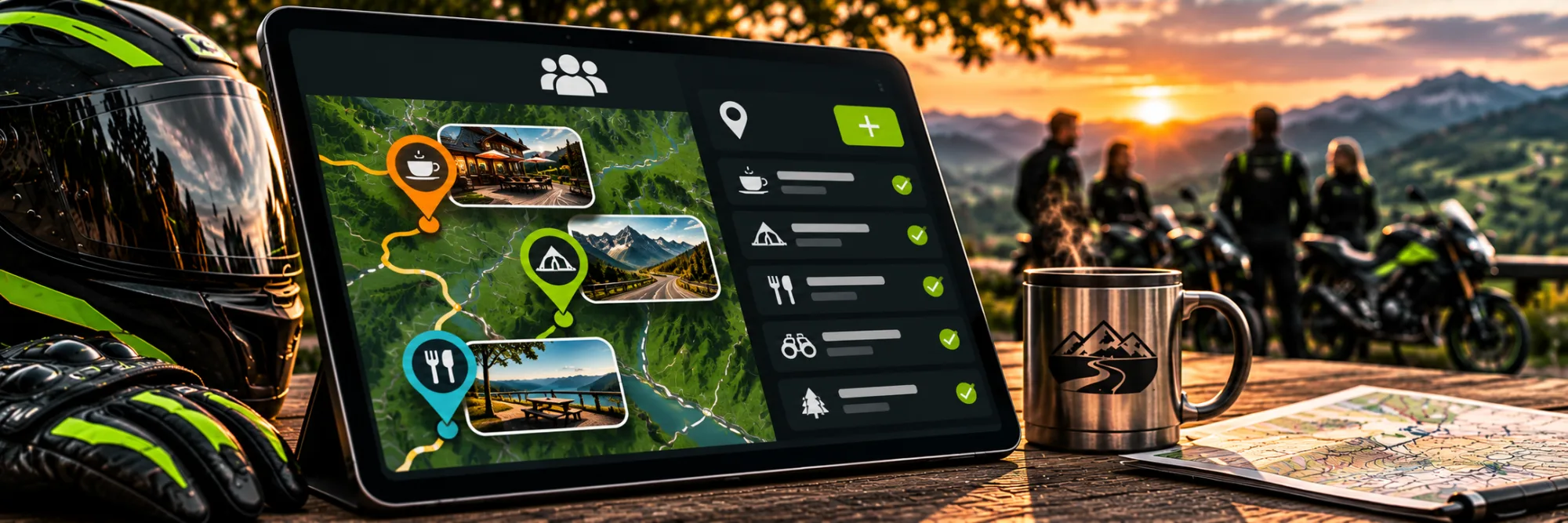
Sharing group spots – collecting interesting meeting places together
This guide explains: creating a spot with exact details; choosing a group as the audience; using spots together.
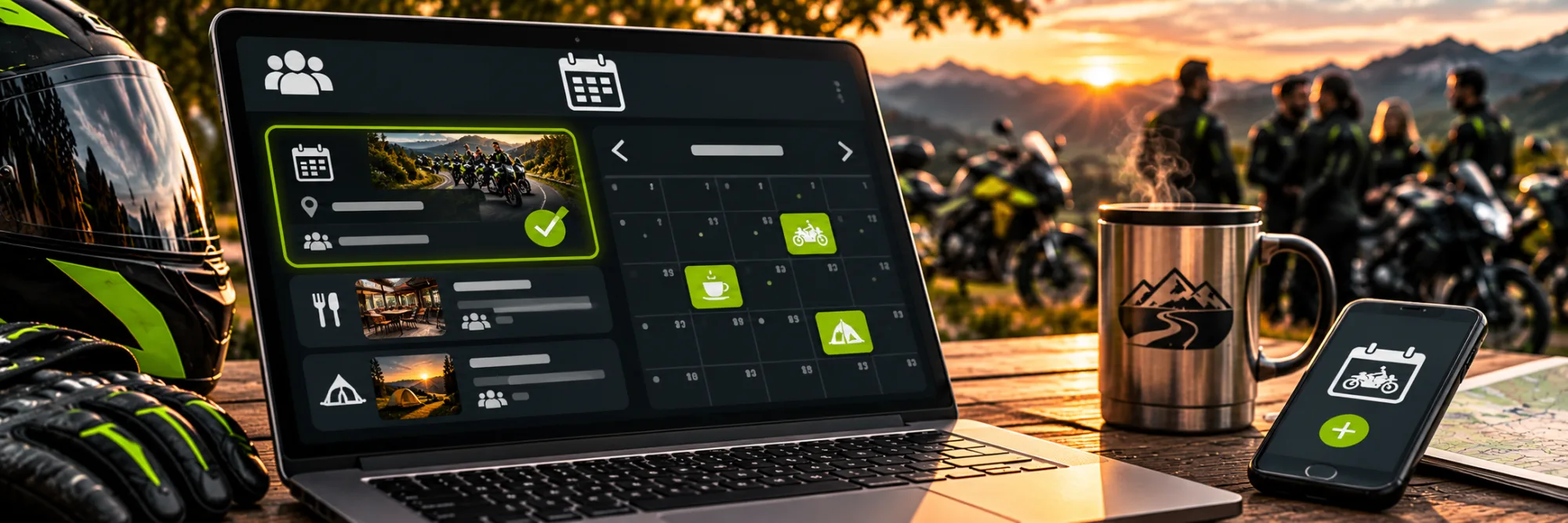
Creating group events – organising rides and meetups together
This guide explains: creating an event with the key details; choosing the group audience; setting participation and schedule.
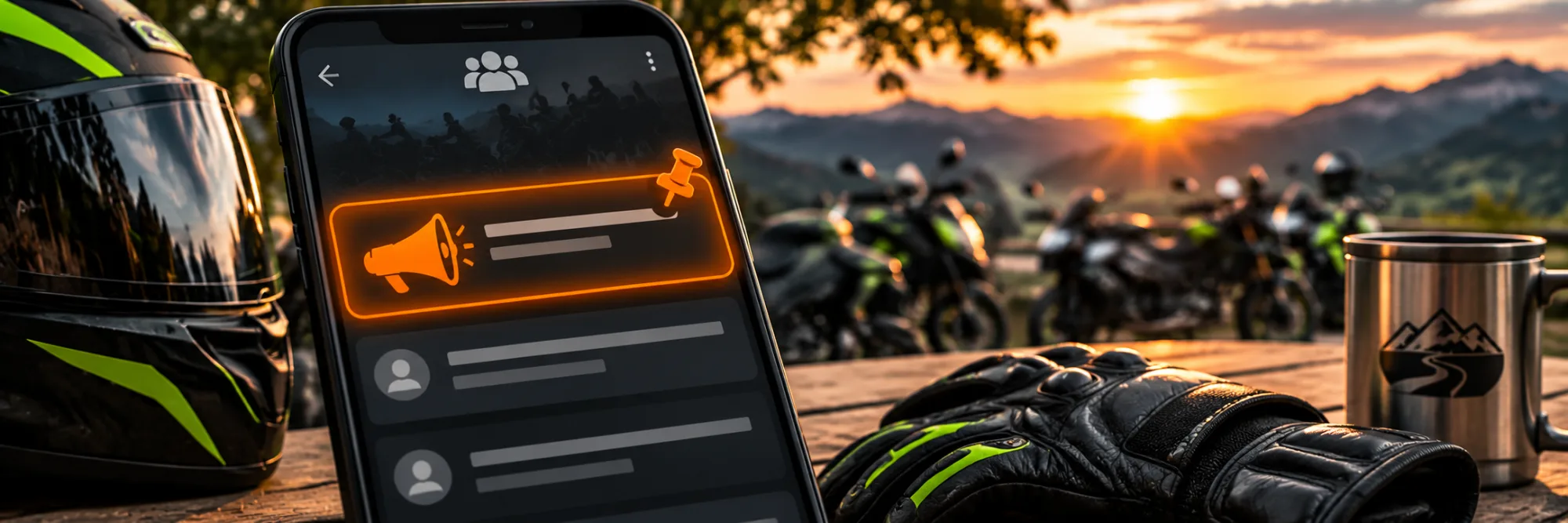
Using announcements in groups – making important information visible
This guide explains: opening an announcement; email and the group feed; staying clear and up to date.
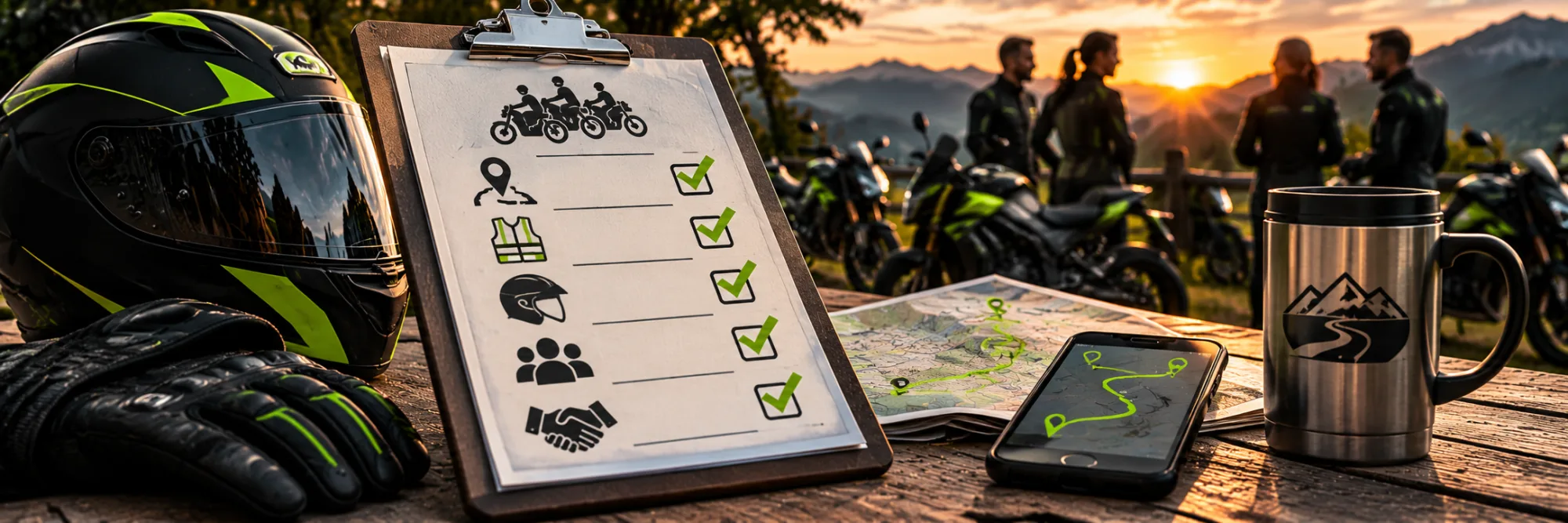
Creating ride rules for groups – what should be settled before the first tour
This guide explains: opening the rules section; making important agreements; keeping rules visible and clear.
Creating group rules – clear rules for getting along well
This guide explains: creating rule cards; writing concrete content; checking the layout and publishing.
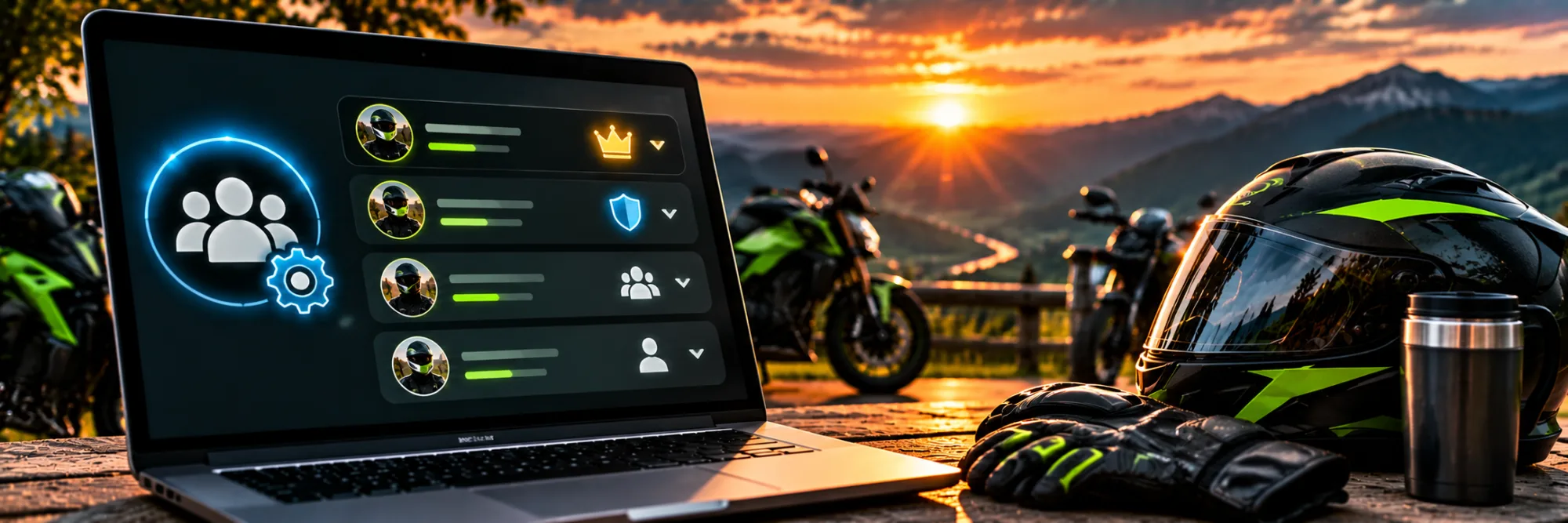
Managing members in a RideTree group – roles and options explained
How to manage the members of your RideTree group: assign roles, review join requests and remove members if necessary.
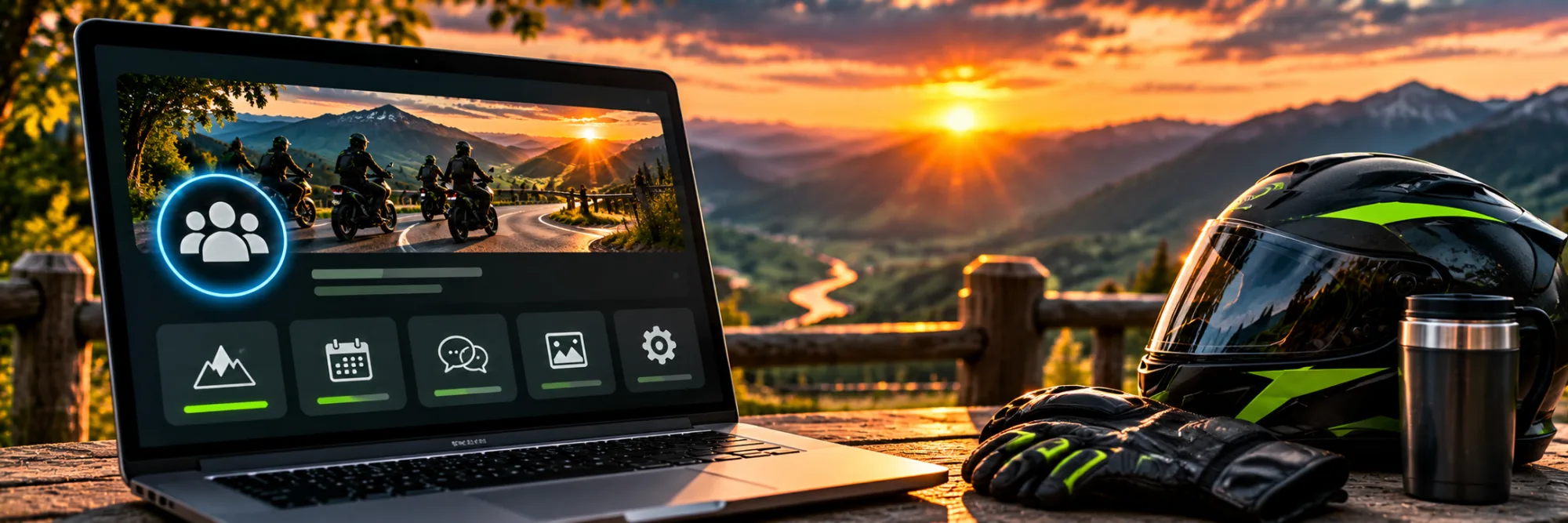
Setting up your group profile completely – making your RideTree group inviting
How to make your RideTree group profile inviting: check description, location, joining, images, rules and links step by step.

Creating a group on RideTree – step by step
Learn step by step how to create a motorcycle group on RideTree and set its visibility, joining options and ride rules.