


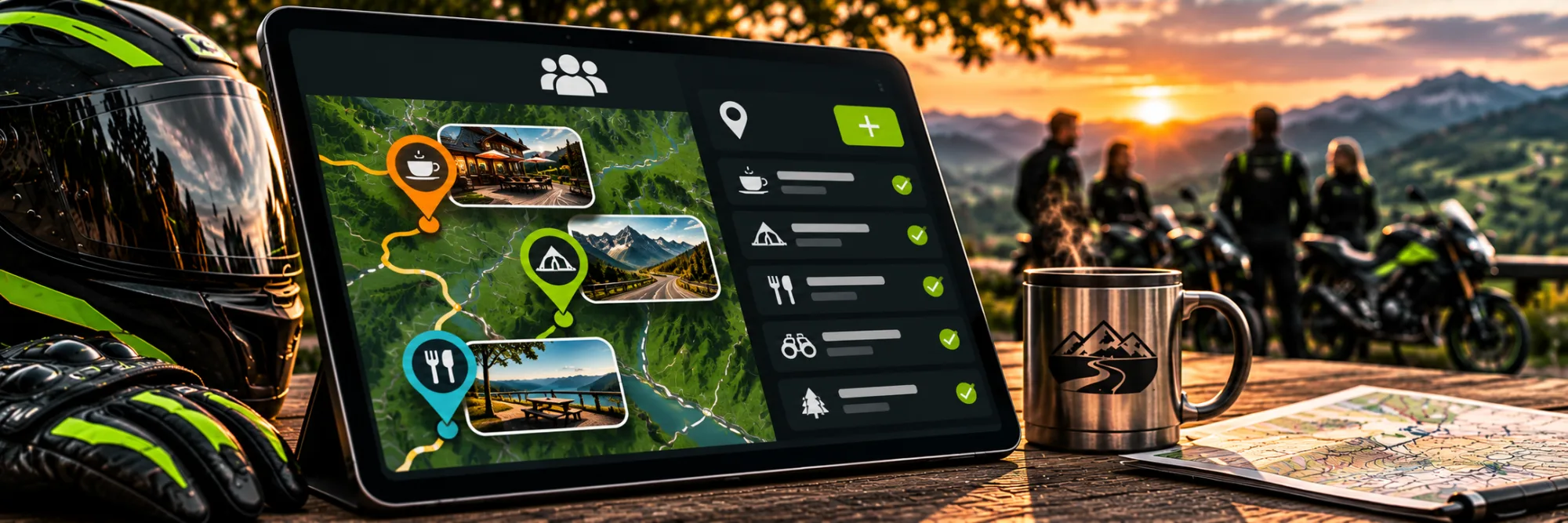
 AI-generated illustrative image
Sharing group spots – collecting interesting meeting places together
Collect places that suit your rides together.
A good meeting place or viewpoint stop is useful for the whole group. On RideTree you can create a spot so that it is visible to members of selected groups.
Creating a spot with exact details
Open “Create spot”, enter a name and a description and choose the location using search or GPS. A new spot needs at least one image. Check whether the place already exists before you add it again.
Choosing a group as the audience
Under Visibility, choose “Groups only” and select the matching active groups. The spot then appears in the group area for eligible members. If no group is selected, the entry is not saved as a group spot.
Using spots together
You will find the “Spots” tab on the group profile. There, members can discover places visible to the group for the next ride. Add a clear description so everyone knows whether the place works as a meeting point, a break or a photo stop.
A group spot is especially helpful if the way there and the exact meeting point are unambiguous.
Frequently asked questions
Do I need an image for the spot?
Yes, a new spot needs at least one image.
Who can see a group spot?
The members of the selected, eligible groups.