


 AI-generated illustrative image
Using the group banner and group image well – first impressions count
Choose images that keep your group recognisable even at a small size.
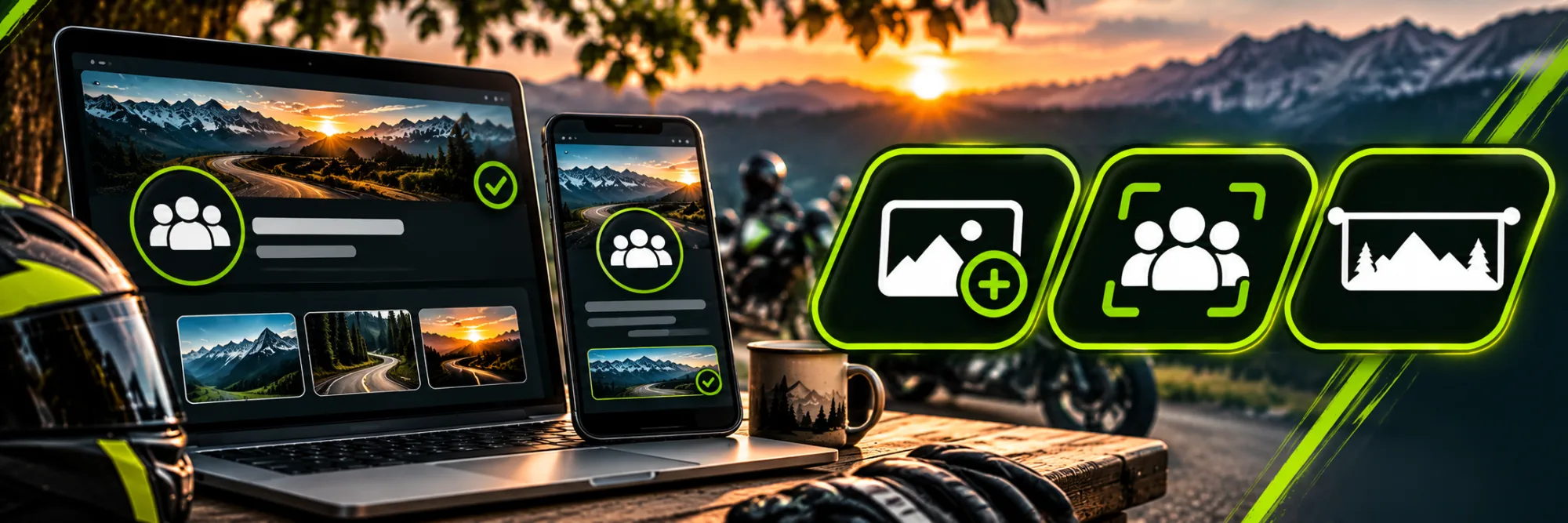
The avatar and banner shape the first impression of a group profile. On RideTree you can upload both images when creating the group and later when editing it.
Choosing a group image as your avatar
The avatar is the compact group image. Choose a motif with clear shapes and little text so it stays recognisable as a small icon. A simple logo or a distinctive motorcycle motif often works better than a detailed group photo.
Designing a wide banner
The banner sits at the top of the group profile. RideTree recommends a wide motif of approximately 1600 × 400 pixels. Check the crop on a smartphone: important people, motorcycles or text should not sit at the edge.
Uploading and checking
Open “Edit group”, choose the files in the “Images” section and save. Then check the group profile on different screen sizes. Use images you have the necessary rights to, and ask recognisable people before publishing.
Use a recognisable image style for the avatar and banner, but different crops.
Frequently asked questions
Can I change the images later?
Yes, in the group's edit form.
Which aspect ratio is suitable for the banner?
A wide 4:1 motif; RideTree suggests approximately 1600 × 400 pixels.